Chat & overlays
Viewer count overlay
Your combined audience across every platform, as its own browser source you can put anywhere.
The number is the total across all your live platforms, updated every 20 seconds. Get the link from the Analytics page and add it in OBS as a Browser source.
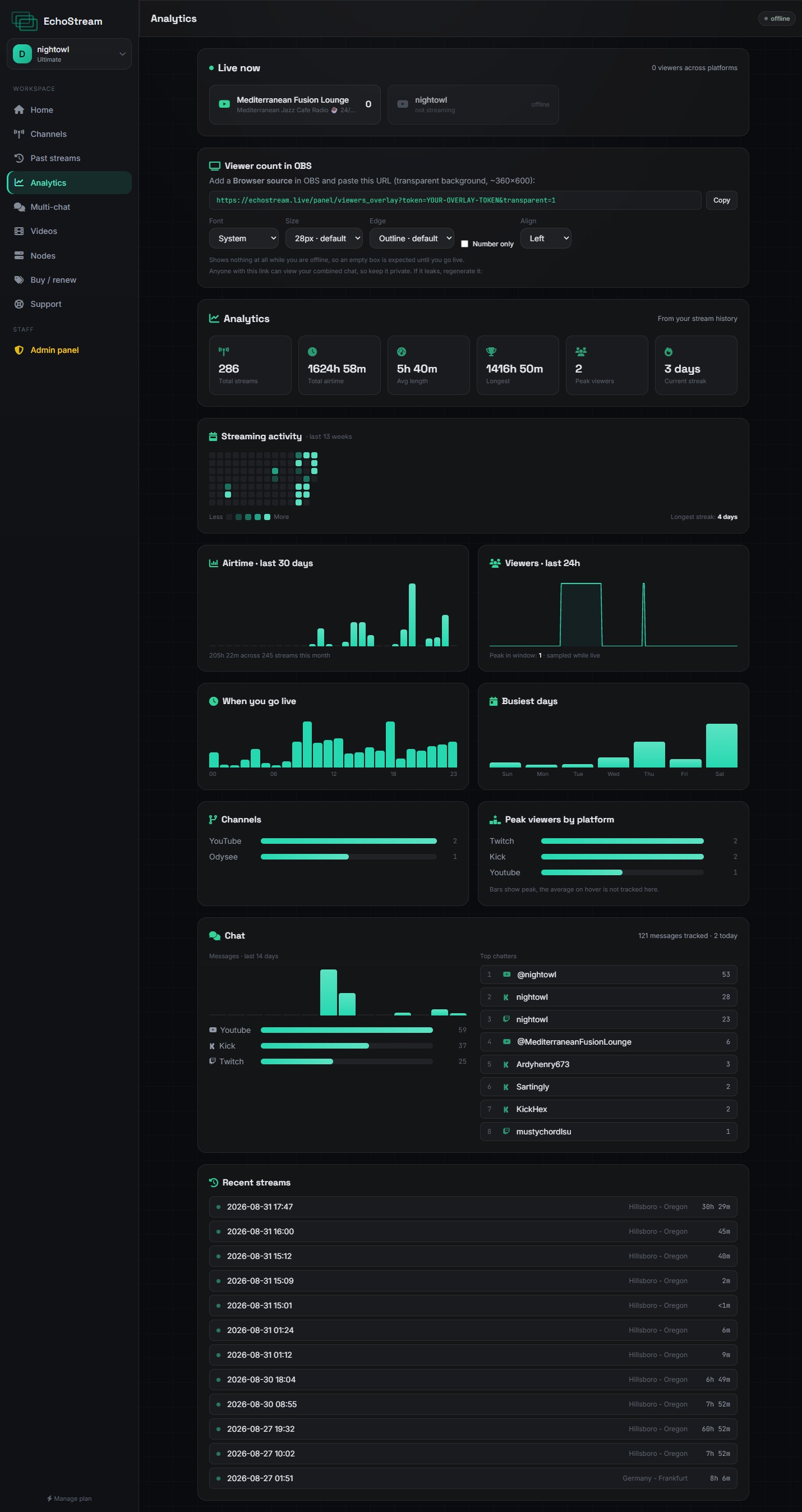
| Option | Does | Default |
|---|---|---|
transparent | Removes the background | Off |
font | System, rounded, condensed, serif or mono | System |
size | Text size in pixels | 28 |
nolabel | Shows the number only, with no word beside it | Off |
align | left, center or right inside the source | Left |
Nothing shows when you are offline
The counter hides itself completely until a platform reports you live, so a stale zero never reaches your audience. An empty box before you go live is correct.
Alignment
It aligns left by default on purpose. A centred counter shifts sideways as the number grows from three digits to four, which drifts against whatever you lined it up with.