Getting started
Go live in five minutes
The shortest path from a new account to a live stream on every platform you use.
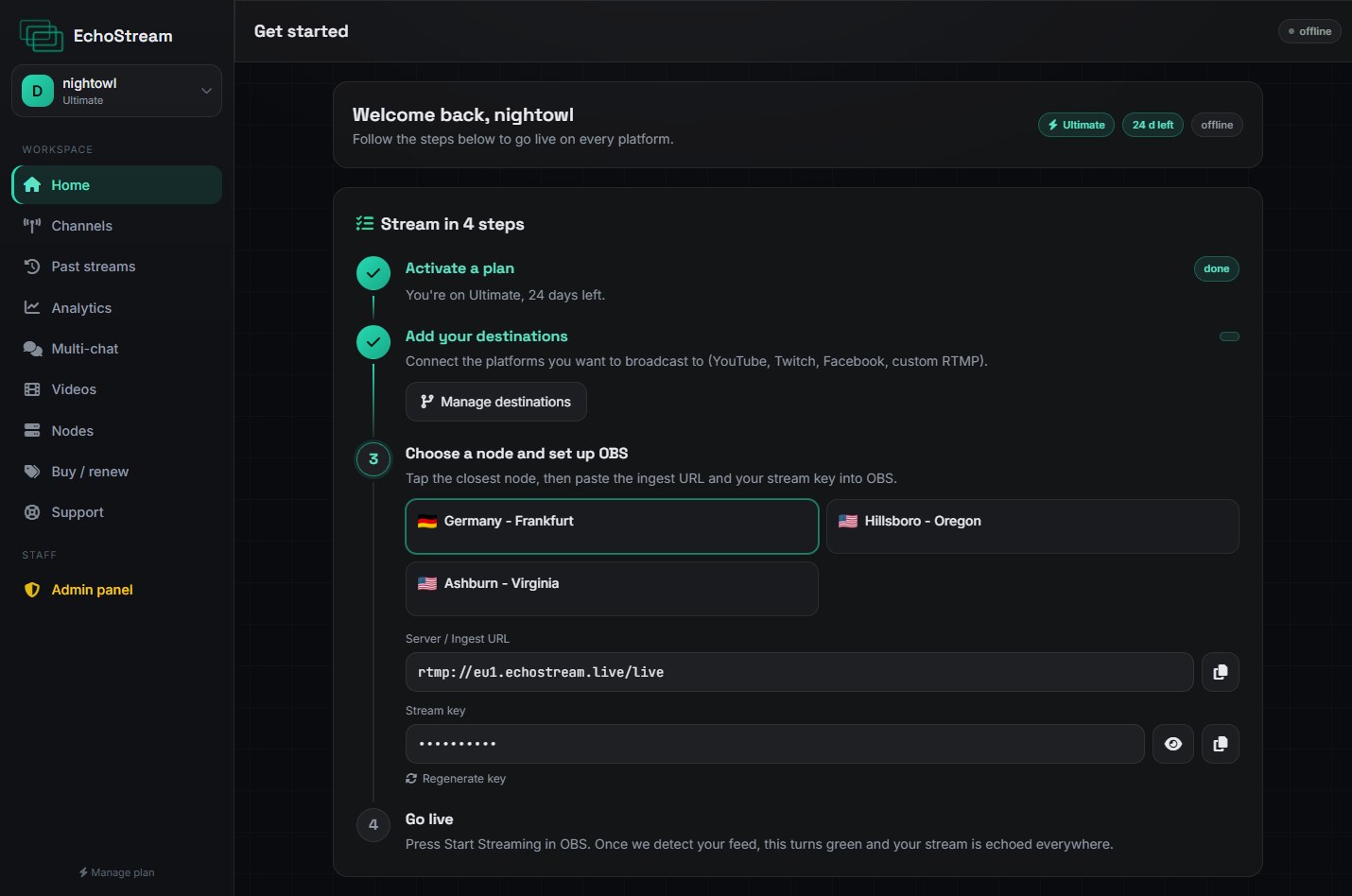
- Connect a channel. Open Channels and sign in to YouTube, Twitch or Kick. Repeat for each platform you want to reach.
- Copy your server and key. They are on your dashboard, next to the node you have been assigned.
- Point your encoder at EchoStream. In OBS: Settings → Stream, service Custom, then paste the server and key.
- Press Start Streaming. Your dashboard shows each destination going live within a few seconds of each other.
Before you go live
Set your keyframe interval to 2 seconds in your encoder. Every platform expects it, and leaving it on the default is the most common cause of a stream that connects but never appears.