Channels
Connecting YouTube, Twitch and Kick accounts
YouTube, Twitch and Kick connect by signing in. No stream keys to copy.
- Open Channels and choose the platform.
- Sign in on the platform's own page and approve the permissions.
- You are returned to EchoStream with the channel added and switched on.
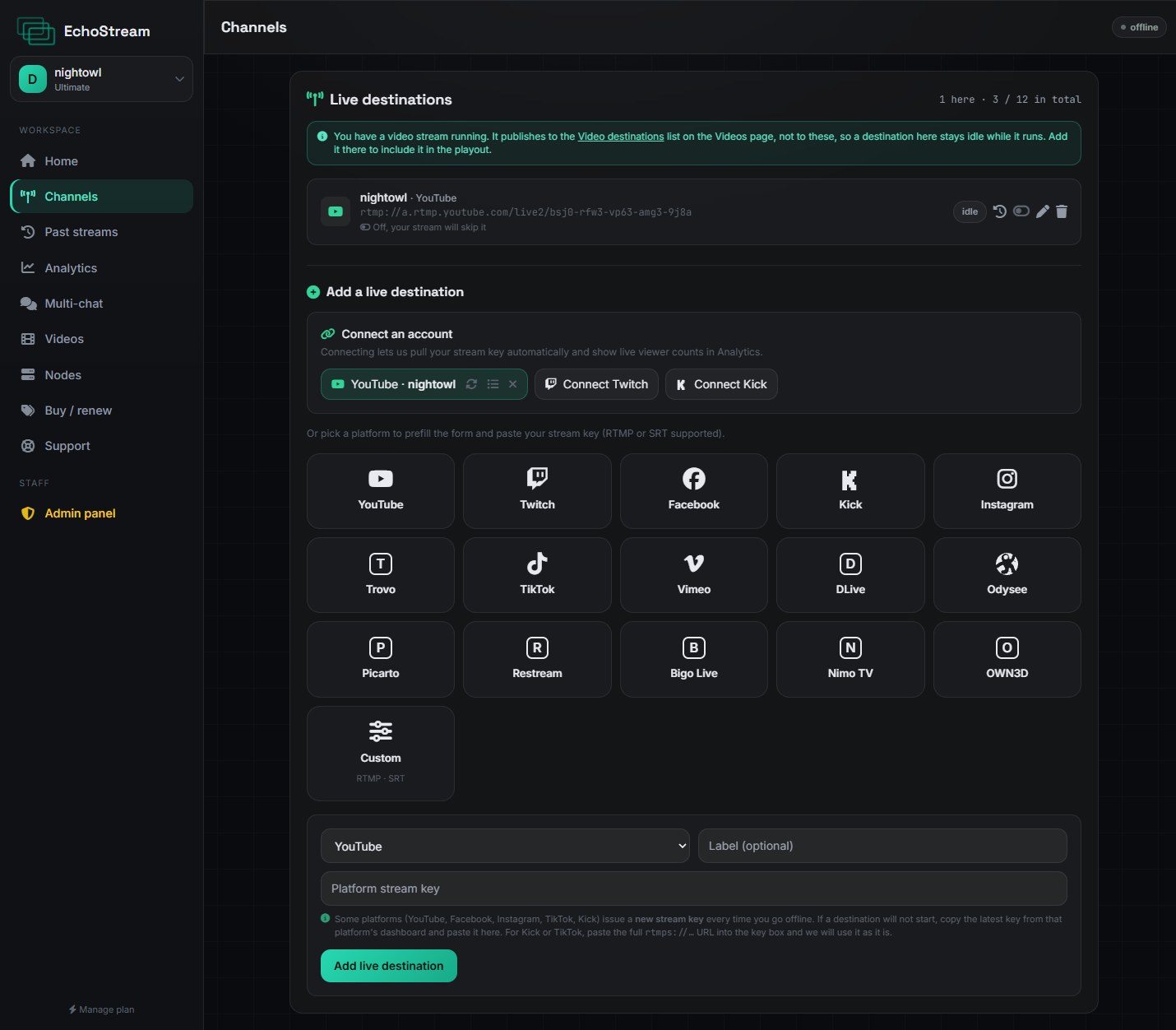
Connected channels can be switched off without being removed. A channel that is off is skipped when you go live, and switching it back on takes effect on your next stream.
When a connection expires
Platforms expire access periodically, and revoke it if you change your password or remove EchoStream from your account's connected apps. An expired channel is marked on the Channels page and is skipped rather than failing your whole stream.
Reconnecting is the same three steps as above.
Check before a big stream
Open Channels and confirm every destination you are counting on is connected and switched on. An expired token is silent until you go live.